
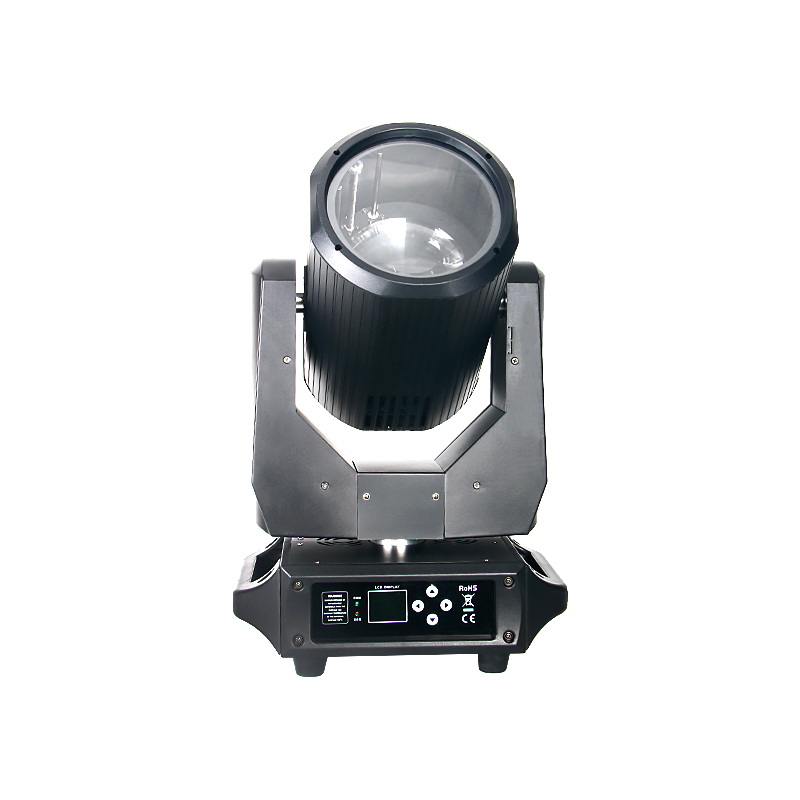
Before requesting a corporate event lighting quotation, send the event format, stage dimensions, presenter positions, mounting distances, camera settings, existing equipment and delivery destination. Ask the supplier to identify the exact models, operating modes, included accessories and evidence supporting the proposed package.
1. Define the event before choosing fixtures
A conference, product launch and awards dinner may use the same stage while requiring different lighting cues. Start with the running order: a speaker at a lectern, a panel discussion, a product demonstration and a performance each need a defined area and a clear lighting purpose.
Tell the supplier whether you are buying fixtures for a rental fleet, adding equipment to a venue or planning one event. Separate the equipment quotation from local installation, programming and operation. Include the event date and the earlier date by which equipment must arrive for testing and rehearsal.
2. Send a dimensioned stage and camera brief
A venue capacity or a photograph alone is not enough to size the lighting package. A simple drawing with measurements helps the supplier understand coverage and throw distance. Mark unknown information as pending instead of replacing it with a guess.
| Information to send | What to include |
|---|---|
| Stage and scenery | Width, depth, height, LED screen position and surfaces that must stay free of spill light. |
| Presenter areas | Lectern, panel seating, demonstration table, entrances and the full walking area. |
| Lighting positions | Available mounting positions, fixture-to-subject distances and venue restrictions. |
| Camera and sound | Camera models, positions, frame rates, shutter settings, slow-motion needs and microphone locations. |
| Existing equipment | Fixture models, console, control modes, connectors and any colour-matching requirements. |
3. Assign a job to each lighting layer
Build the package around the result you need. Presenter lighting must keep faces readable across the speaking area; scenic lighting supports the set; effect lighting creates visual changes. A narrow beam effect is not a substitute for even presenter coverage.
Where precise spill control is needed, consider a framing fixture as part of the shortlist. A product photo illustrates the fixture, not its performance in your venue. Ask for a demonstration at the intended angle, distance and operating mode.
- Presenter light: assess coverage, white-light colour, skin tones, dimming and fan noise at the intended microphone positions.
- Scenic light: define colours and surfaces, and control spill onto screens or projection areas.
- Effect light: identify when movement, beams or audience effects are needed, and keep speech and camera cues under control.
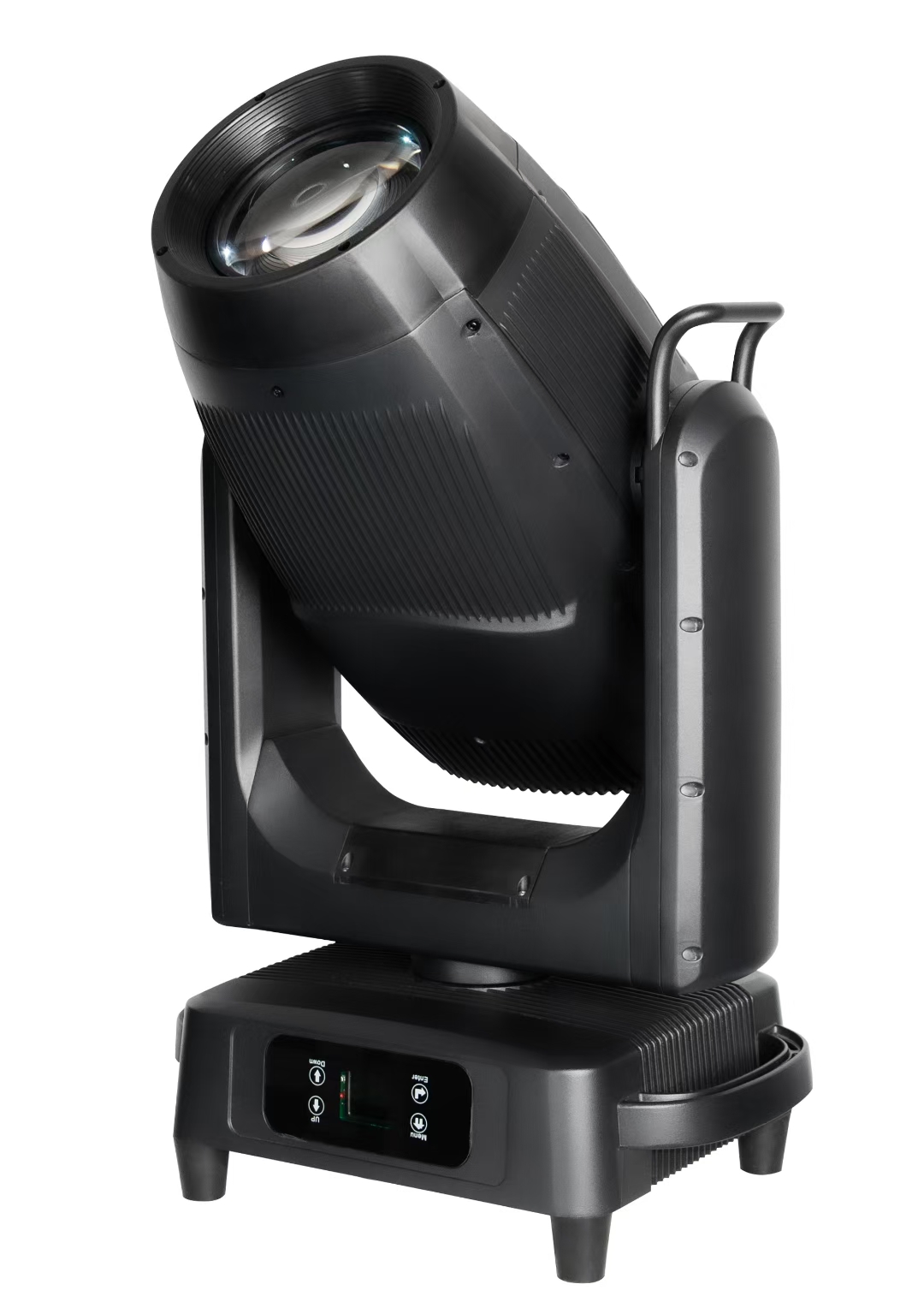
YL Light product photo: 800W IP66 LED profile moving head with four framing blades. Venue performance requires a relevant demonstration.
4. Request evidence for the actual recording setup
Ask for illuminance and coverage information at the proposed throw, with the zoom, white-light setting and operating mode recorded. Compare like-for-like conditions. Fixture wattage alone does not establish how well a presenter area will be lit.
For live streaming or recording, request a test with the intended camera and settings. Review original clips at useful dimming levels, including slow fades and colour transitions. Keep exposure and white balance controlled. A clean phone video does not approve a fixture for every production camera.
- Check faces, costumes and product colours in the actual scene, alongside the LED screen where relevant.
- Check dimmed states for banding, brightness variation or visible steps, not only full output.
- Listen during quiet speech cues with the fixture warmed up and the microphone in a representative position.
5. Confirm control, installation and site conditions
Request the exact DMX channel mode, fixture personality, connector types and any RDM support needed for your console. Network protocols and wireless control must be confirmed for the proposed system; do not assume every fixture supports them. Agree who supplies signal distribution, cables and programming.
Ask for rated input power, voltage range, fixture weight, dimensions, mounting accessories and the applicable manual. Have the venue team or qualified installer confirm power distribution and rigging. For outdoor use, review the exact model rating and the installation and connection requirements, rather than relying on a waterproof label.
6. Compare the complete quotation
Give each supplier the same brief so differences remain visible. Keep optional upgrades separate from the base package and record any assumptions that still need a sample test or site confirmation.
- Equipment: exact model and configuration, quantity, operating mode and included accessories.
- Commercial scope: unit prices, currency, packaging, spare parts and any items charged separately.
- Delivery: destination, shipping terms, production lead time and the required arrival date; clarify which duties or taxes are included.
- Acceptance and support: agreed sample test, manuals, control files, warranty terms and the process for reporting faults.
7. Copy this enquiry checklist
Send the following information with a stage sketch and any available camera or venue requirements. If quantities are not yet known, request a proposed package with the coverage assumptions and alternatives clearly stated.
- Company / contact / destination country and city:
- Event format / event date / required equipment arrival date:
- Purchase purpose / planned quantity or request for a proposed package:
- Stage dimensions / presenter zones / screen position / mounting distances:
- Camera models / frame rate / shutter / white balance / recording needs:
- Existing fixtures / console / DMX mode / power and connection requirements:
- Required accessories / cases / spare parts / budget range / sample-test requirements:
Frequently asked questions
01How many lights should I request for a corporate event?
There is no reliable universal count based only on audience size. Define the lit areas, mounting positions, throw distances and desired looks, then compare a proposed package against coverage and output data.
02Does a high CRI or refresh-frequency figure guarantee a good camera result?
No single figure approves the entire setup. Keep the model and operating mode attached to each specification, then test colour, dimming and motion with the intended cameras and subjects.
03Can I request a quote before the final stage drawing is ready?
Yes. Send the dimensions and requirements you have, identify what is provisional and ask the supplier to list its assumptions. Confirm the final layout and sample-test conditions before approving the package.
Send your corporate event lighting brief
Share your application, stage sketch, camera requirements and delivery destination with YL Light. Include the models you are considering, or ask for a shortlist to discuss. Confirm the final configuration and acceptance criteria before ordering.