The starting point
Start with the console output and the input supported by each fixture or node. DMX carries lighting-control values, RDM adds supported device-management functions, and Art-Net or sACN can carry lighting data over a network. A protocol name on a product page does not confirm every function in your proposed system.
Separate control values from device management
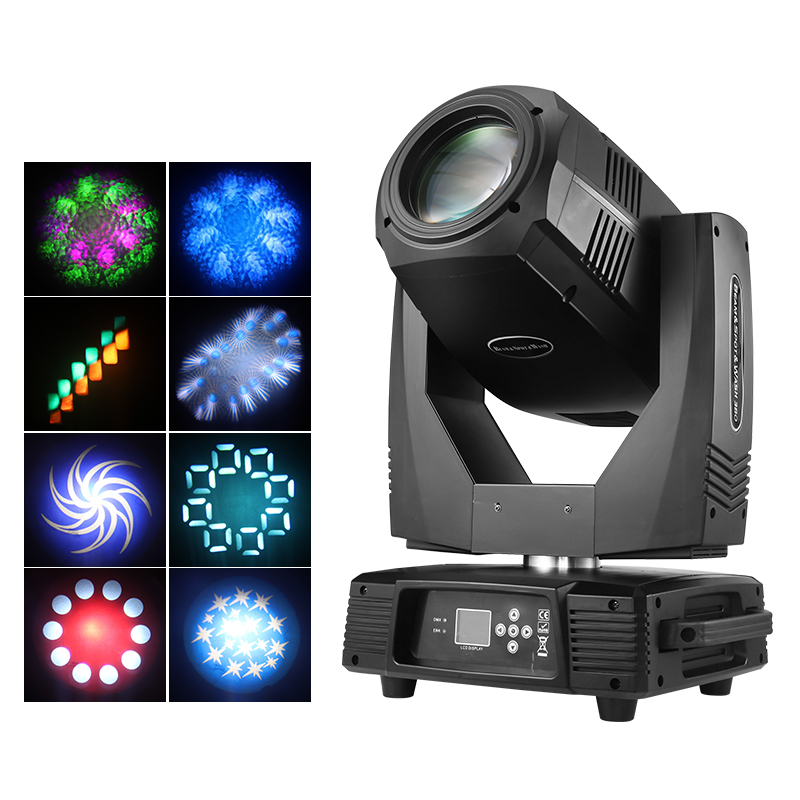
A fixture’s channel chart tells you how control values operate its functions in the selected mode. RDM is a separate capability: ANSI E1.20 defines bidirectional communication over a DMX512 link, including supported discovery, addressing and status functions. Establish whether the controller, intermediate equipment and fixture support the RDM operations you need.
Draw the actual signal path
Art-Net transports DMX and RDM data over Ethernet. sACN, covered by ANSI E1.31, transports lighting data over an IP network. A network output from the console may therefore need a compatible gateway before it reaches a fixture with only a physical DMX input.
Draw one route from the console to the final fixture. Label the protocol, node port, cable and connector at every step. Treat management functions separately from live-control data and verify them end to end.
Agree the fixture mode before patching
Different modes for the same fixture can expose different controls and occupy different numbers of addresses. Ask for the current channel chart and the console profile that matches it. Include fixture firmware and console software versions in the test record.
Record the intended universe and start address for every fixture. Compare the sender and receiver settings directly, including their universe-numbering conventions. For multiple control sources, confirm the receiver’s priority and merging behaviour rather than assuming the last source will take control.
Prepare a useful compatibility test
- Send the console and node models, software versions and fixture inventory.
- Name the chosen fixture mode and attach its channel chart.
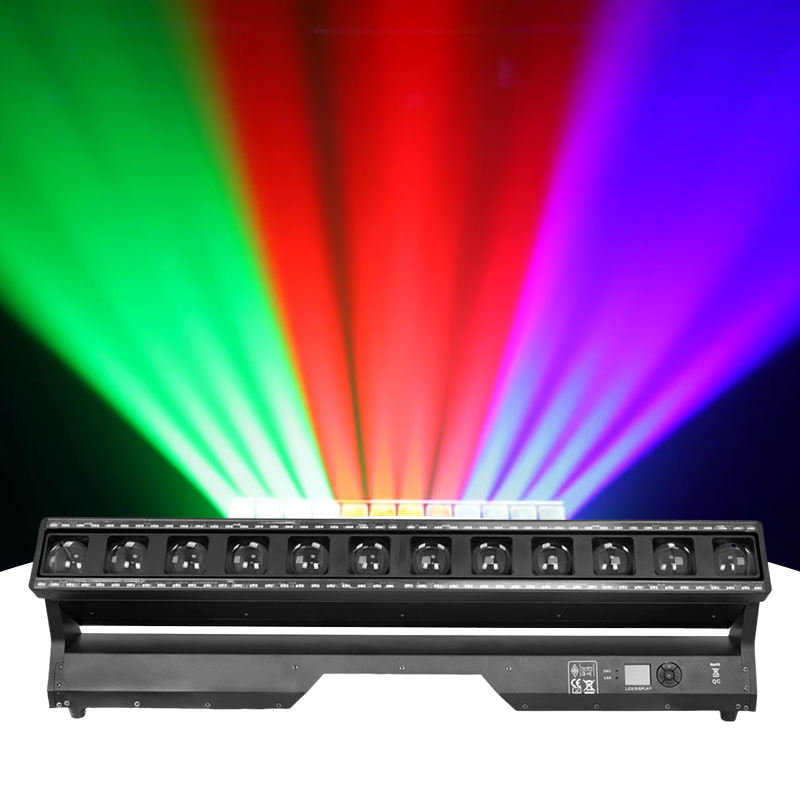
- Test dimming, colour, movement and special functions through the intended signal path.
- Check the response when a control source or signal link is lost, using the equipment instructions.
- Keep the confirmed patch, network settings and working show file with the order documentation.
Common questions
Does RDM support mean a fixture has an Ethernet input?
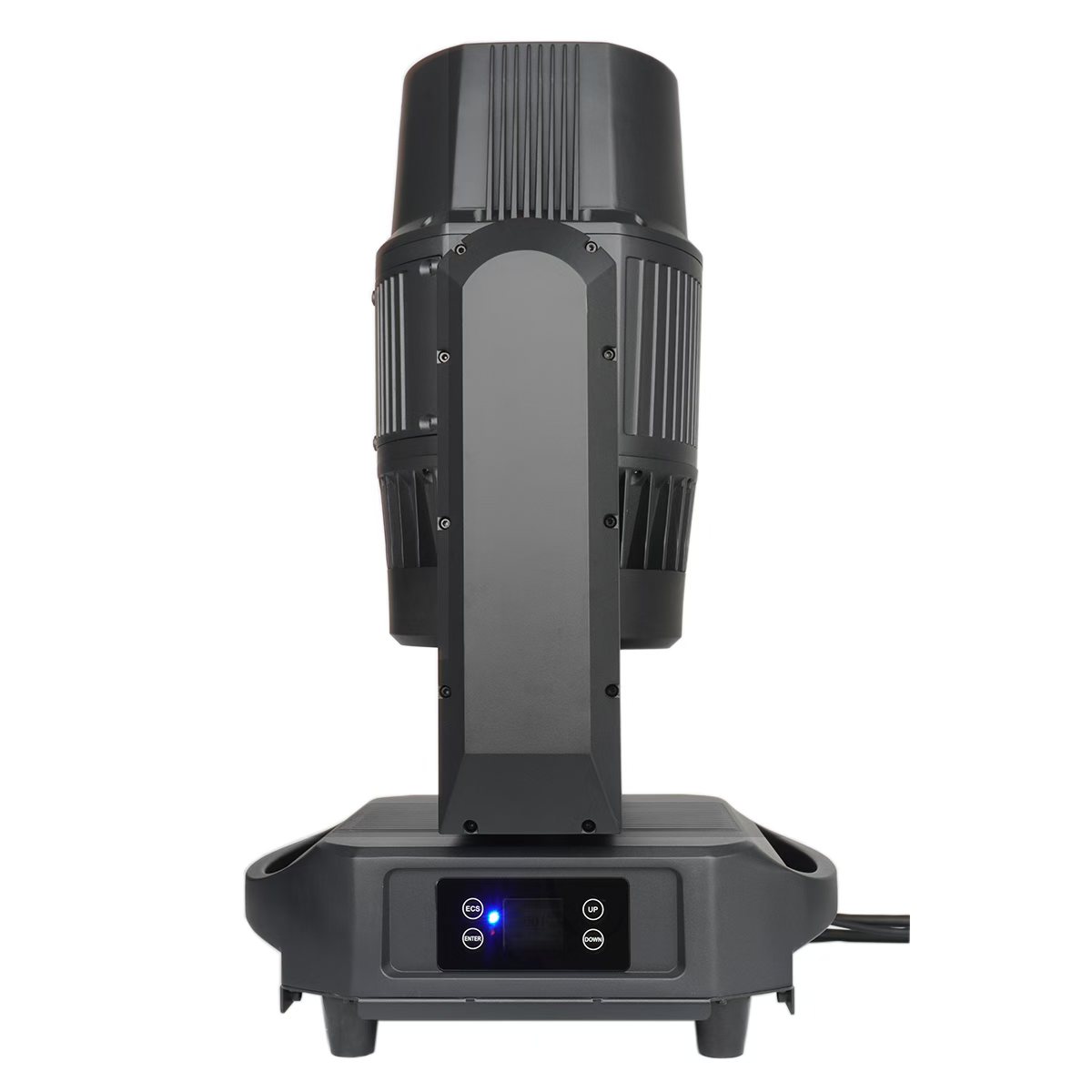
No. RDM over a DMX512 link and Ethernet connectivity are separate features. Check the connectors and protocol support of the exact fixture and any gateway.
Can I use a generic console profile?
Only after checking it against the exact model, channel mode and firmware. A similarly named profile can assign values to different functions; test the required controls before show use.
Ready to apply this to your project? Share the model shortlist and the details you have gathered.